CANVA ISN’T JUST A DESIGN TOOL ANYMORE…
Canva is now the third most used AI tool in the world.

Not a design platform. Not a “nice to have” tool.

An AI tool.

That shift matters.

Because it signals something bigger than new features. It shows how Canva is positioning itself inside the creative process. Not at the execution stage, but at the thinking stage.

The 2026 updates make that clear.

This is less about designing faster. It’s about collapsing the distance between idea and output.

Here’s what that actually means for brands.
1. CONVERSATIONAL DESIGN IS CHANGING HOW IDEAS START
Canva is no longer something you open once you know what you want to create. It’s becoming the place where ideas begin.

With conversational AI built directly into the platform, users can now search, explore, and generate concepts without leaving their workspace. You’re not switching between tabs to research, write, and design. It’s all happening in one place.

That changes the role of the tool completely. It moves Canva from execution to ideation.

For brands, this removes one of the biggest sources of friction. The gap between “we need content” and “we have something ready to publish” gets shorter.
Try this;
Use Canva AI to generate first drafts of campaign ideas directly in-platformBuild moodboards, messaging, and visuals in the same flowTreat Canva as a starting point, not just a finishing tool
THE TAKEAWAY;
The faster ideas take shape, the faster brands can show up.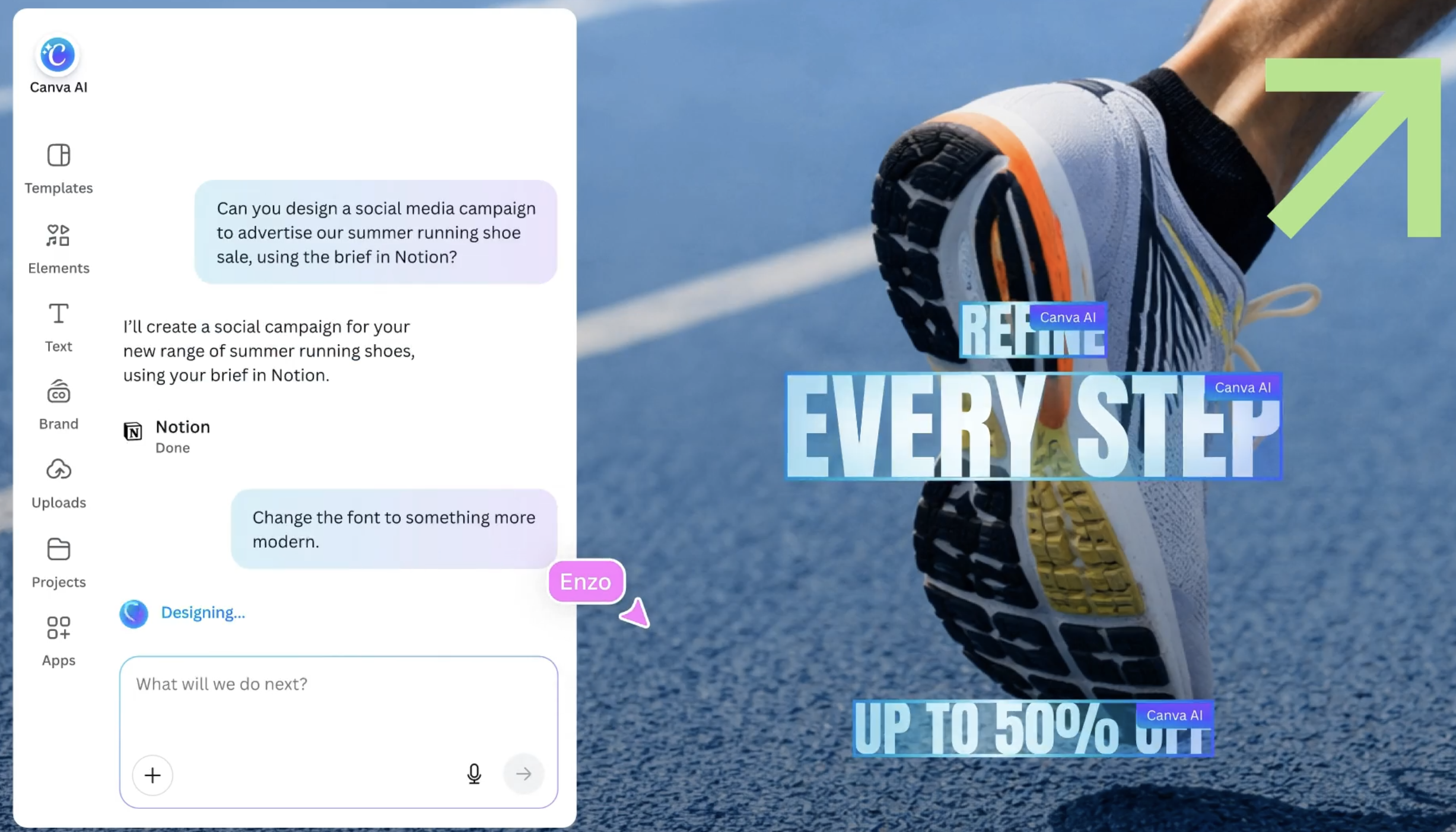
2. RUN WEB SEARCHES WITHOUT LEAVING YOUR WORKFLOW
One of the more understated shifts is Canva’s ability to run web-informed searches inside the platform. This sounds small, but it changes behaviour.

Instead of opening new tabs to look for references, trends, or context, users can now gather inputs directly where they’re creating. Research, inspiration, and execution start to happen in the same environment.

That matters because most creative workflows break at the research stage.

You search something. You get distracted. You lose momentum.

By keeping that process inside the platform, Canva reduces that drop-off. It keeps the thinking loop tighter.
Try this;
Pull references and inspiration directly inside CanvaUse in-platform search to validate ideas quicklyAvoid breaking your workflow with external browsing
THE TAKEAWAY;
The fewer tabs you open, the faster ideas turn into output.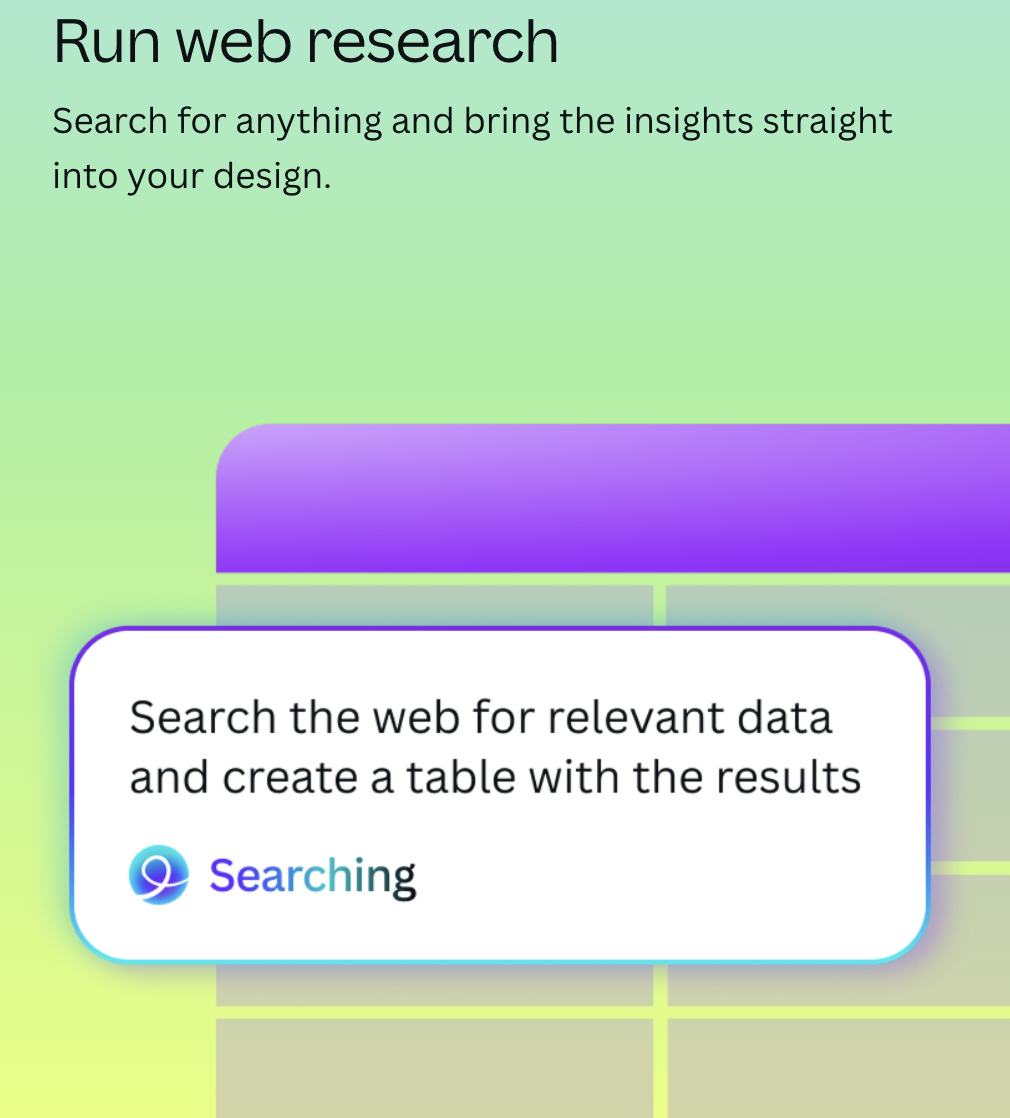
3. INTEGRATIONS ARE TURNING CANVA INTO A CONNECTED WORKSPACE
The biggest update isn’t visual. It’s structural.

With deeper integrations across tools like Slack and Gmail, Canva can now pull real inputs directly into the design process. Briefs, messages, feedback, content references. Everything can feed into what gets created.

And with its AI now powered by Anthropic, those inputs aren’t just collected. They’re interpreted.

This is where things shift from convenience to workflow transformation.

Instead of copying and pasting between platforms, the system starts to connect itself.
Try this;
Pull real campaign inputs directly into Canva instead of recreating them manuallyUse integrations to centralise feedback and iterationReduce back and forth between tools when building content
THE TAKEAWAY;
When tools connect, execution speeds up without adding complexity.2. INTEGRATIONS ARE TURNING CANVA INTO A CONNECTED WORKSPACEThe biggest update isn’t visual. It’s structural.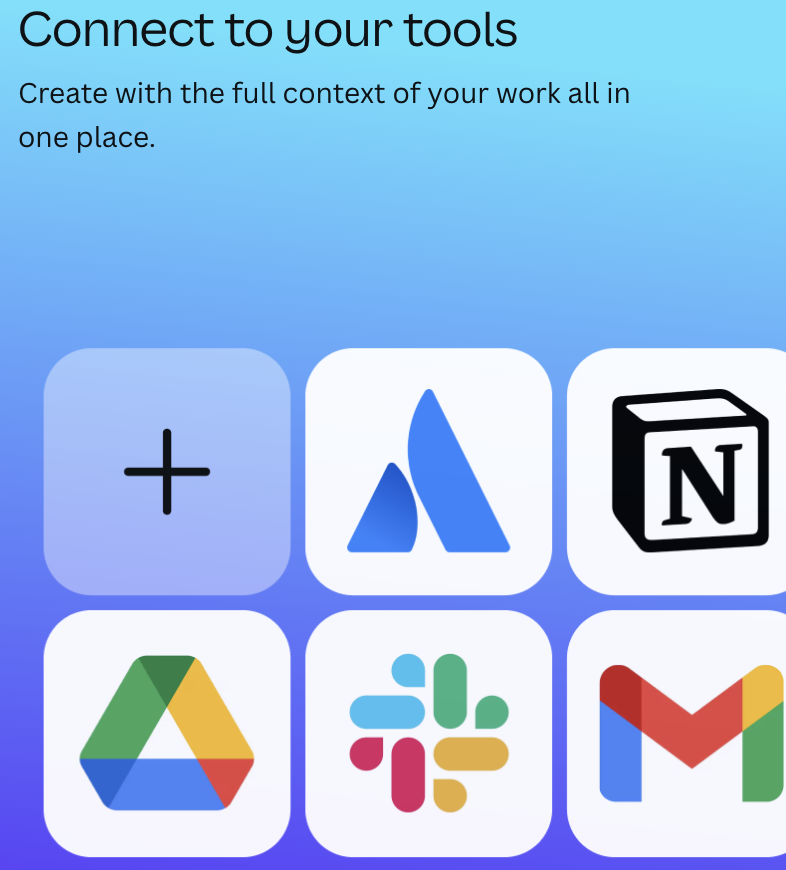
4. BRAND KITS ARE EVOLVING INTO REAL DESIGN SYSTEMS
Brand kits used to be about consistency. Now they’re about scalability.

With stronger brand kit functionality and improved layering in designs, Canva is moving closer to something more structured. Not just assets, but systems.

This changes how teams work.

Instead of rebuilding visuals every time, brands can operate within defined frameworks. Colours, typography, layouts, and now layered components that make editing faster and more controlled.

It reduces decision-making at the execution level. And that’s where speed comes from.
try this;
Build templates that can be reused across campaignsUse layering to separate editable elements from fixed brand assetsStandardise design structures across teams
THE TAKEAWAY;
The more structured your system, the faster your team can move.
5. OFFLINE MODE CHANGES WHERE WORK HAPPENS
Designing without internet sounds like a small feature. It isn’t.

It changes when and where creative work can actually happen.

Teams are no longer tied to stable connections, specific locations, or perfect setups. Work can happen in transit, in between meetings, during travel.

That flexibility matters more than it seems. Because content doesn’t always happen in ideal conditions.
try this;
Use offline mode for early-stage content creation and draftingBuild assets in low-distraction environmentsRemove dependency on being “connected” to stay productive
THE TAKEAWAY;
Flexibility increases output without increasing pressure.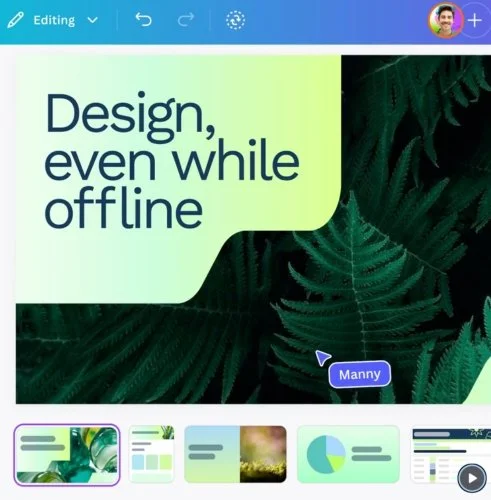
These updates aren’t just about doing the same work faster. They’re about changing where the value sits.

When execution becomes easier, faster, and more connected, it stops being the bottleneck.
Strategy becomes the bottleneck.
Ideas become the bottleneck.
Direction becomes the differentiator.

Canva is removing friction from the process.
Which means the brands that win aren’t the ones designing more.

They’re the ones thinking better.